
Casinonic Registration Process in Australia
Create your new account in a few minutes and start playing in Australia. After registration, you get access to casino games and the sports section, plus secure deposit and withdrawal tools. Use the Casinonic register online form by phone, email, social media, or one click to get started. New users can get up to AU$7,500 in bonus funds and free spins on the All Lucky Clovers 5 slot, subject to terms.
Welcome bonus Up to AU$7,500 + free spins
On All Lucky Clovers 5 (T&Cs apply)

All Available Registration Options on Casinonic
You can sign up in the way that suits you. Choose one of the quick methods below to create your account.
By Email

Standard method for full control of your login. Suits desktop and mobile.
- Open the form and choose Email.
- Enter your email, set a strong password, and choose AUD.
- Confirm age and accept the terms.
- Click Create account.
- Open the verification email and confirm your address.
Register via the Casinonic Mobile App

Prefer using your phone? The mobile app keeps the process short and supports device security like fingerprint or Face ID.
- Download and install: on Android, get the APK from the site; on iPhone, add the PWA to your Home Screen.
- Open the app and tap Sign up.
- Choose your method: phone, email, social, or one click.
- Enter required details, pick AUD, confirm age, and accept the terms.
- Verify by SMS or email, then enable biometrics for faster sign in.
Account Registration Requirements
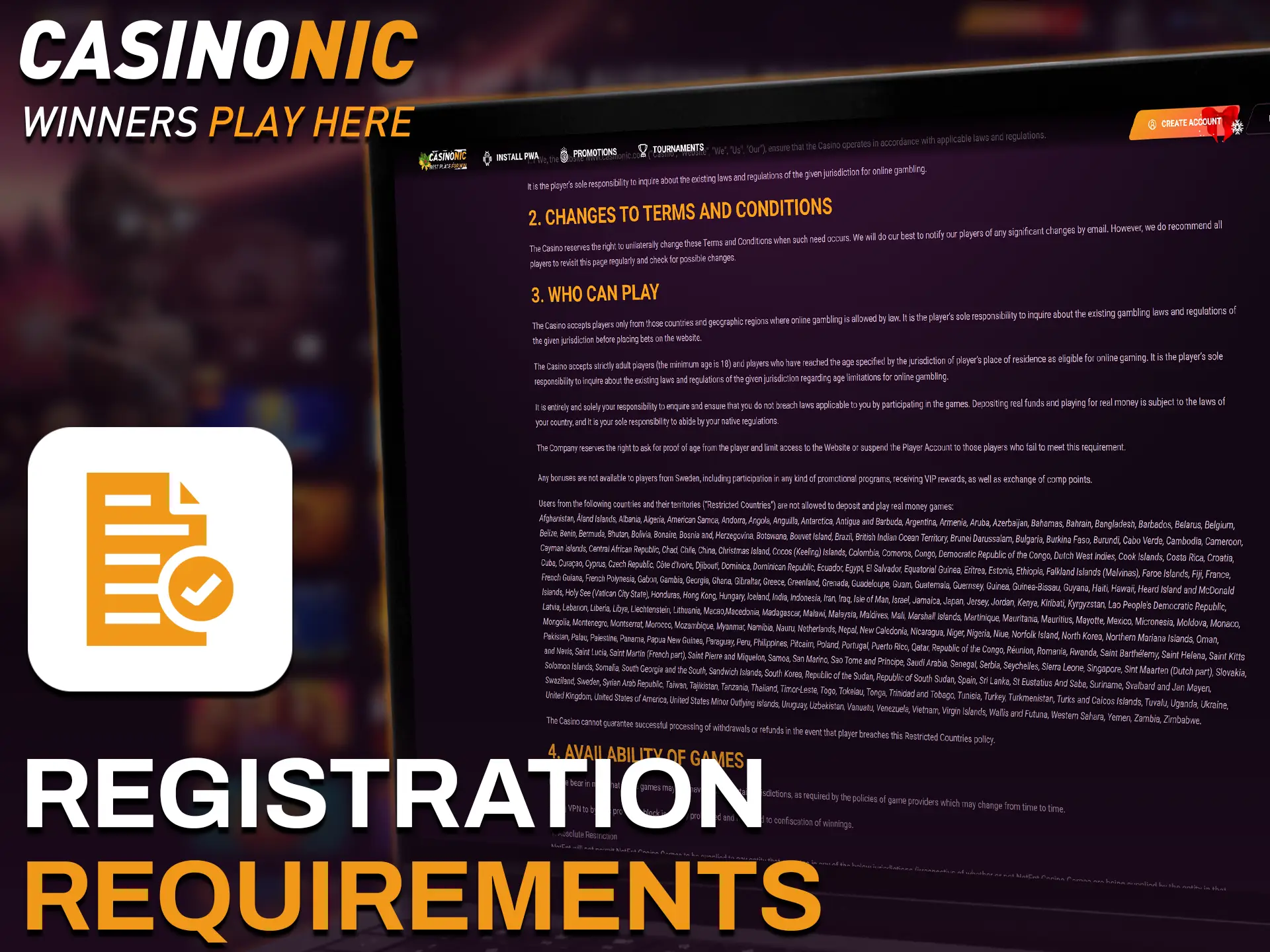
Before you start the Casinonic sign up, check these rules. You must follow Australian law and the site terms. Real details are required so payments and verification go smoothly. Responsible gambling tools are available if you need them.
- You must be 18 years or older and legally allowed to gamble in your location.
- One account per person, household, device, and IP address.
- Use accurate personal details that match your ID and payment method.
- Register and play from Australia only if local laws permit.
- Agree to the Terms and Conditions, Privacy Policy, and KYC procedures.
Login to Casinonic Account
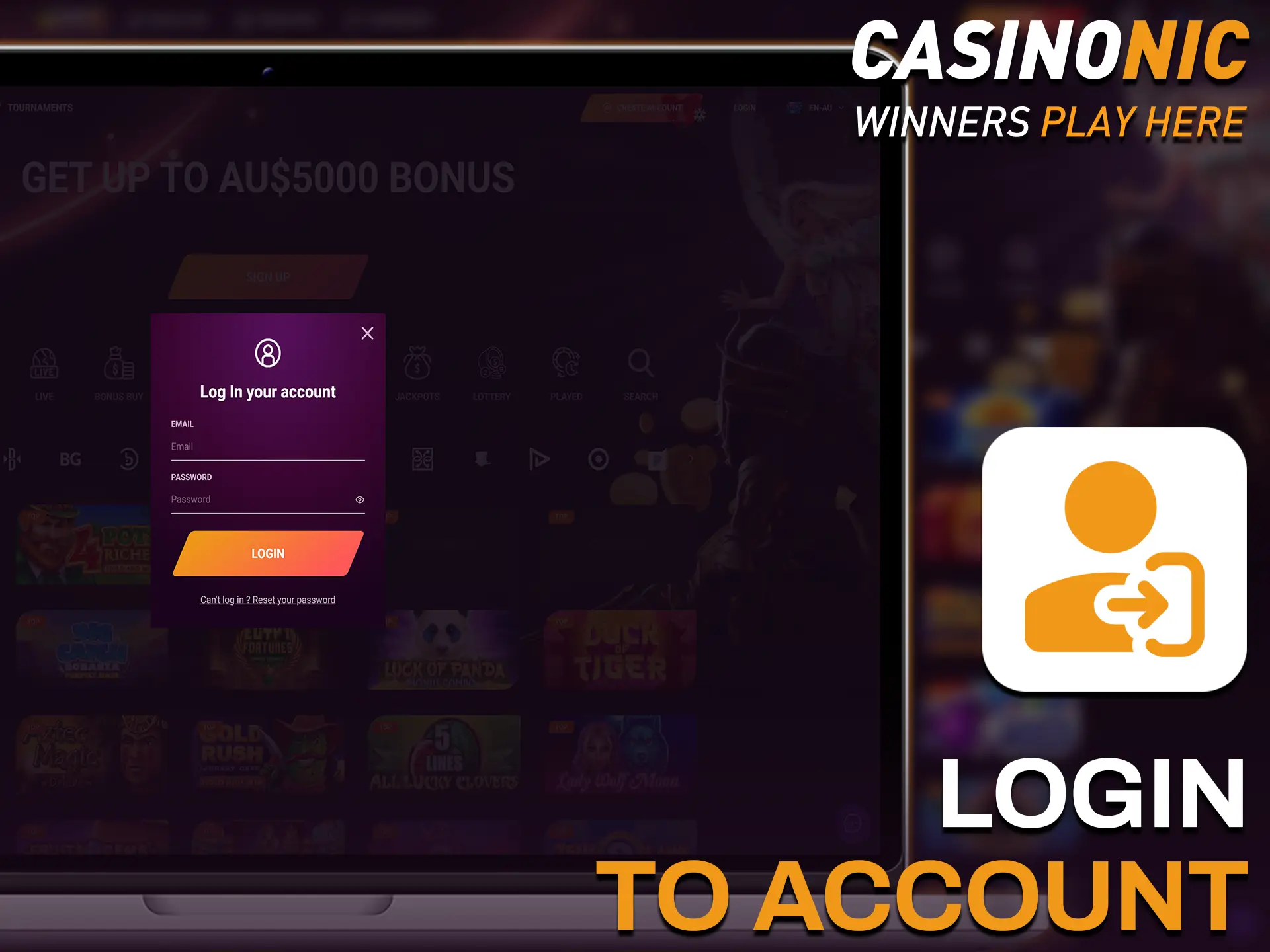
You can sign in anytime using the details you chose at registration. Here is how to access your account safely.
- Click the Login button below.
- Choose your sign in method: email and password, SMS code, social login, or one click credentials.
- Enter the required details or approve the prompt to sign in.
- If asked, set a new password before you continue.
Account Verification Process
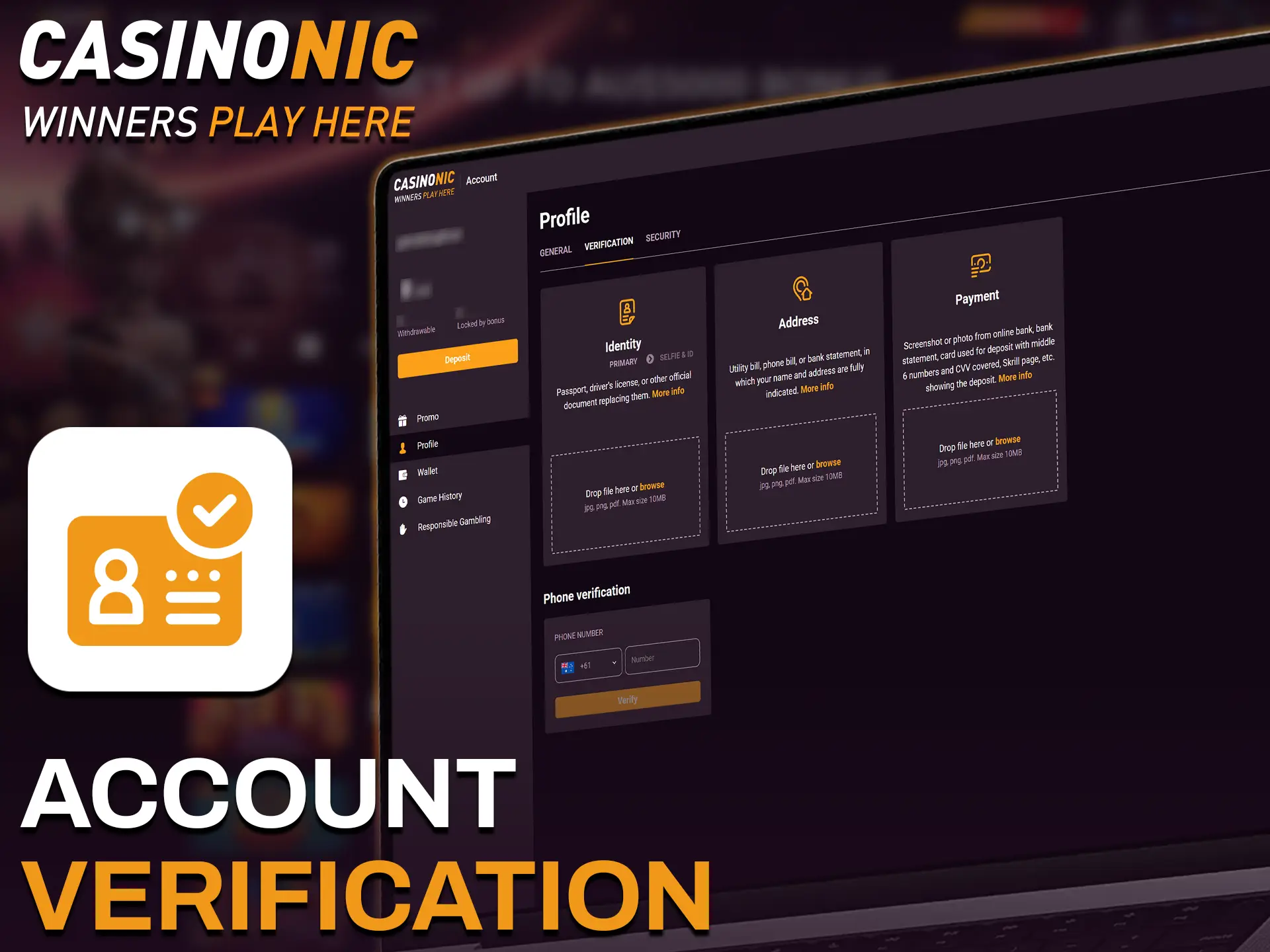
Verification confirms your identity and protects your balance. It is required before withdrawals and may raise payment limits. You complete it online in your account.
- Start KYC: open Profile and go to Verification.
- Identity check: upload a clear photo of your passport or driver licence.
- Address check: upload a recent bill or bank statement showing your full name and address.
- Payment method check: provide a card photo (masked numbers) or e wallet proof in your name.
- Review: documents are reviewed, usually within a business day; you may be asked for an additional photo.
Welcome Bonuses for New Users from Australia
New players can get up to AU$7,500 in bonus funds plus free spins on the All Lucky Clovers 5 slot. Casino and sports offers are separate. Always read the bonus terms before claiming.
Casino Bonus

The welcome pack is spread across your first deposits. It delivers bonus funds and free spins to help you explore games.
- Bonus size: up to AU$7,500 across multiple deposits.
- Free spins: a set of spins on All Lucky Clovers 5.
- How to claim: register, opt in on the deposit page, then make a qualifying deposit.
- Wagering requirements: typically 40x bonus; game weighting applies.
- Minimum deposit: usually AU$20 per bonus.
- Time limits: wagering and spins expiry apply; check the promo page.
- Max bet and other rules: see the bonus terms before playing.
Account Overview
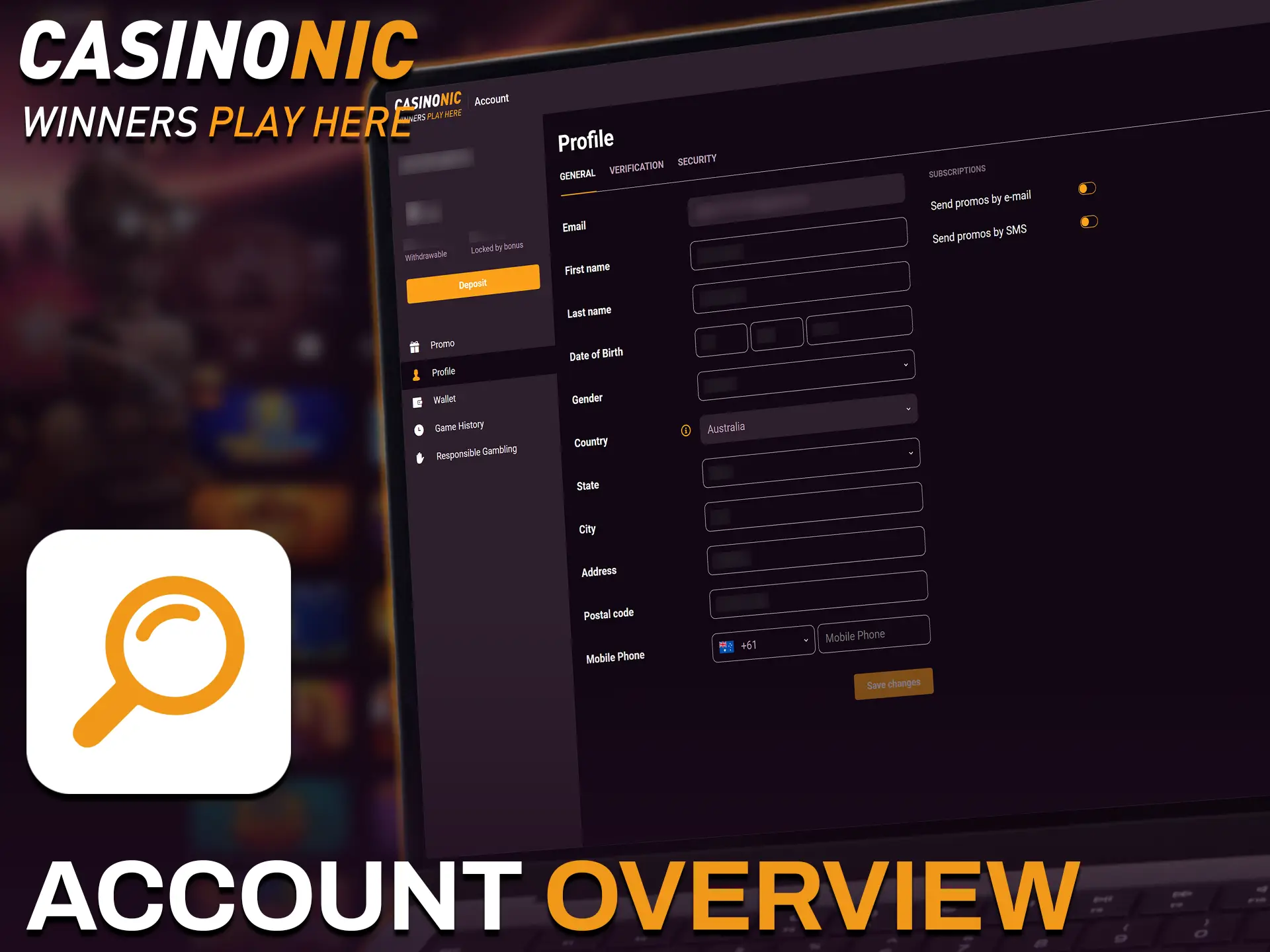
Your personal account area keeps everything in one place. You manage details, payments, and preferences here.
- Profile details: update name, date of birth, address, and contact info after email or phone confirmation.
- Verification: upload documents, track status, and view KYC history.
- Deposits: choose a payment method, set deposit limits, and review successful payments.
- Withdrawals: request payouts, add withdrawal methods, and track processing.
- Bonuses & promos: view active bonuses, wagering progress, and opt in to new offers.
- Betting & game history: review sports bets, casino sessions, and results by date range.
- Responsible gambling: set limits, cooling‑off, or self exclusion periods.
- Security: change password, enable two‑factor authentication, and manage active sessions.
Possible Problems and Their Solutions When Registering on Casinonic
Here are common registration issues and how to fix them. Try the suggested solution before contacting support.
| Problem | Solution |
|---|---|
| No SMS code arrives | Check number format and coverage, wait a minute, then request a new code. Try voice call if available or contact support. |
| Email confirmation not received | Check spam, whitelist the sender, and request a new email from Profile. |
| Document rejected in verification | Use colour photos, no glare, all corners visible, and ensure details match your profile. |
| “Account already exists” message | Use Forgot password to regain access. Do not create a second account; contact support if needed. |
| Location or VPN detected | Enable location services and use your own connection. VPNs and proxies are not allowed. |
Steps to Delete a Personal Account
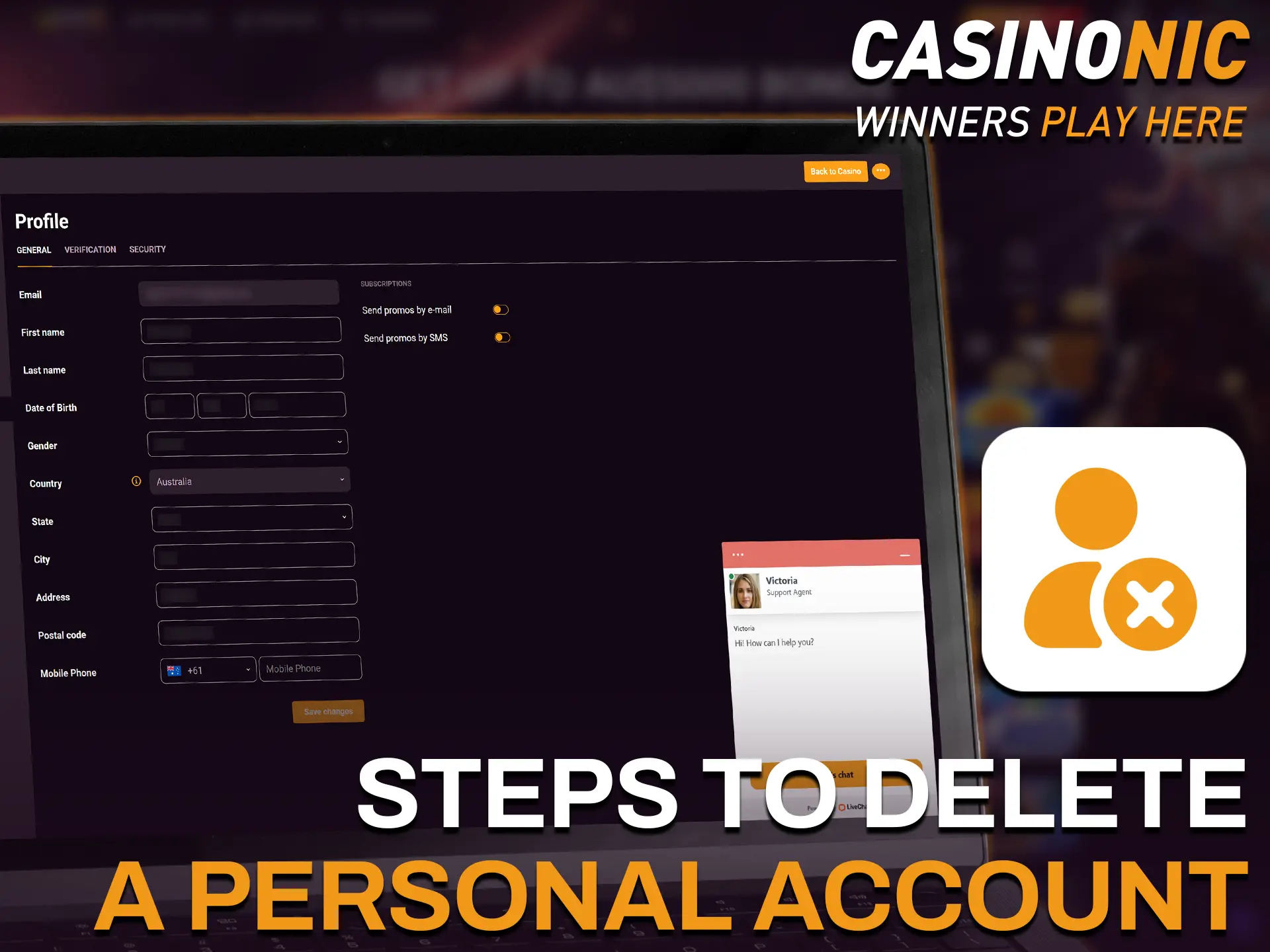
You might want to delete your account to take a break, manage spending, or close it for personal reasons.
- Withdraw any remaining balance, then sign in.
- Open Live Chat or Support and request account closure or self exclusion.
- Confirm your identity and choose temporary or permanent closure.
- Wait for email confirmation that your account has been closed.
FAQ
How long does registration take?
Only a few minutes on desktop or mobile.
Do I need to deposit to create an account?
No. You can explore the site first. Deposit when you are ready to play or bet.
Can I change my email or phone later?
Yes. Update details in Profile and confirm via a code or link.
Is two factor authentication available?
Yes. Enable it in Security for safer sign in.
Which currency can I choose?
AUD is supported for Australian players.
Updated: